
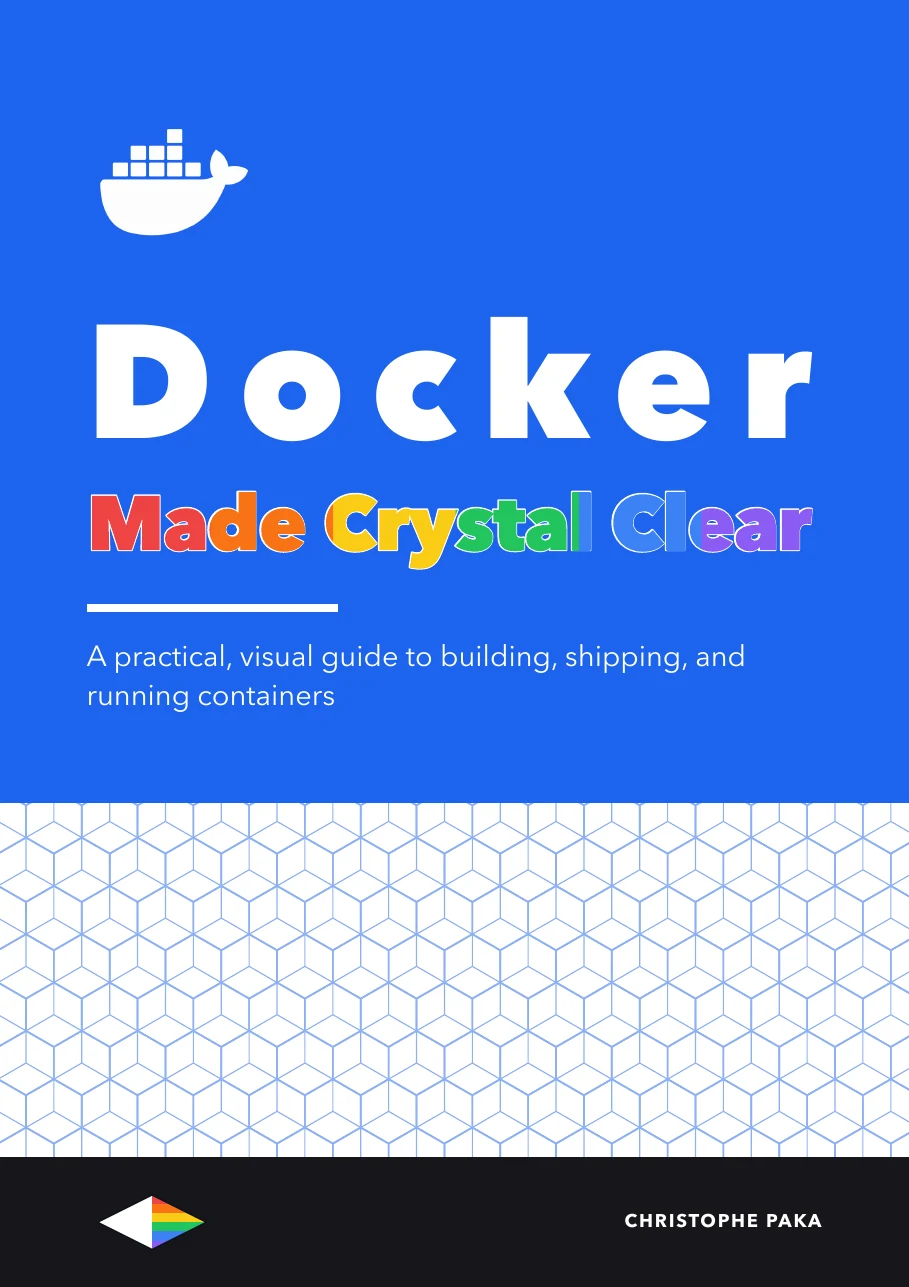
Docker
Made Crystal Clear
 By Christophe Paka · Updated August 21, 2026
A practical, visual guide to building, shipping, and running containers
Prefer it on your Kindle, or on paper? Same book, on Amazon.
Who this book is for
In plain words: Docker packs an app with everything it needs into a container, so it runs the same way on your laptop, a server, or the cloud.
- Developers who use Docker without a clear picture of it
- Engineers setting up their first servers
- Self hosters running apps at home
- Not for: Not for you if you already run containers and need to scale them. Try Kubernetes Made Crystal Clear.
Docker is the tool that made containers ordinary, and it is still the one most developers use daily without quite trusting their own mental model of it. This guide fixes the model first: what a container actually is (and is not), how images, layers, volumes, and networks fit together, then the practice: writing Dockerfiles that build fast and small, running multi-container apps with Compose, and getting your work safely from a laptop to production, explained visually and hands-on.
- Pages
- 193
- Level
- Beginner to advanced
- Updated
- August 21, 2026
12 real pages. Click a page to enlarge it.
Inside the book
- 01The Tool Everyone Uses and Nobody Trusts
- 02What a Container Actually Is
- 03Images, Layers, and Where Containers Come From
- 04Running Containers: the Everyday Ten Commands
- 05Dockerfiles That Do Not Embarrass You
- 06Fast Builds, Small Images
- 07Volumes: Where Data Actually Lives
- 08Networking Without the Fog
- 09Compose: Your Whole App in One File
- 10Debugging Containers
- 11Security Without Paranoia
- 12The Money and Licensing Chapter
- 13From Laptop to Production, and What to Learn Next
You'll leave with
- Understand what a container actually is: processes, isolation, and images, not tiny VMs
- Read and write Dockerfiles that build fast, small, and reproducible images
- Master the everyday workflow: build, run, exec, logs, stop, clean up
About the author
Christophe Paka writes every book on the shelf. He spent years in technical support at Salesforce and Microsoft, where the job was to make complex systems clear to customers who needed them working the same day. He has since built and run software as a founder and lead developer, worked as a Salesforce consultant, and grown a YouTube channel on tech careers past one million views.
This book was last updated on August 21, 2026.
Connect on LinkedIn →For teams
Put Docker on every desk at your company.
One licence, every book in the series, one link for everyone. From $250 a year.
Sources
Every source cited in Docker Made Crystal Clear. Each number matches the [n] marker next to that link in the book's "Go deeper" lists, so you can trace any claim back to its origin.
- [1]Get started: introduction (Docker docs)
- [2]What is a container? (Docker docs)
- [3]What is an image? (Docker docs)
- [4]Containers vs VMs (Red Hat)
- [5]The difference between containers and virtual machines (AWS)
- [6]namespaces(7), Linux man-pages
- [7]cgroups(7), Linux man-pages
- [8]Open Container Initiative overview
Show all 65 sources
- [9]Understanding the image layers (Docker docs)
- [10]Build, tag, and publish an image (Docker docs)
- [11]Docker overview (Docker docs)
- [12]Docker Engine overview (Docker docs)
- [13]Docker Hub pull usage and limits (Docker docs)
- [14]Running containers (Docker docs)
- [15]docker container run reference
- [16]docker container ls (docker ps) reference
- [17]docker container exec reference
- [18]docker container logs reference
- [19]docker container stop reference
- [20]docker container rm reference
- [21]Writing a Dockerfile (Docker docs)
- [22]Building best practices (Docker docs)
- [23]Dockerfile reference (Docker docs)
- [24]Python Official Image (Docker Hub)
- [25]Build cache overview
- [26]Build cache invalidation
- [27]Optimizing builds with cache
- [28]Using the build cache
- [29]Multi-stage builds
- [30]Multi-stage builds hands-on
- [31]docker/getting-started-todo-app
- [32]Storage overview
- [33]Volumes
- [34]Bind mounts
- [35]tmpfs mounts
- [36]Networking overview
- [37]Bridge network driver
- [38]Port publishing
- [39]Publishing ports (hands-on)
- [40]OWASP Docker Security Cheat Sheet
- [41]Compose application model
- [42]Compose networking
- [43]docker compose restart reference
- [44]docker compose up reference
- [45]docker compose down reference
- [46]Variable interpolation
- [47]Environment variable precedence
- [48]Compose profiles
- [49]docker inspect reference
- [50]docker events reference
- [51]docker stats reference
- [52]HEALTHCHECK instruction reference
- [53]Compose services reference
- [54]Docker Engine security
- [55]Rootless mode
- [56]Docker Scout
- [57]Docker Scout quickstart
- [58]Docker Desktop license terms (Docker docs)
- [59]Docker pricing (docker.com)
- [60]Moby project (GitHub)
- [61]Podman documentation
- [62]Podman project site
- [63]Kubernetes concepts overview
- [64]Use Compose in production
- [65]Kubernetes tutorials
Also in the series
37 more titles, one tool or topic each. Swipe or use the arrows.

AI Go To Market
Available
Higgsfield
Available
Kubernetes
Available
Cloudflare
Available
Jev
Available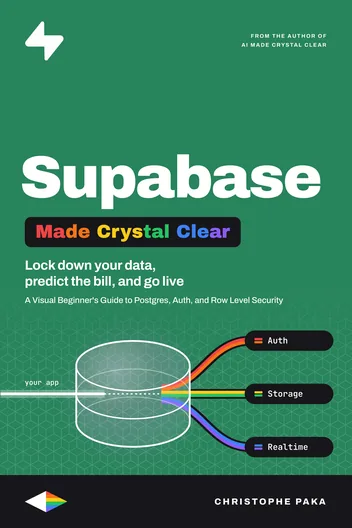
Supabase
Available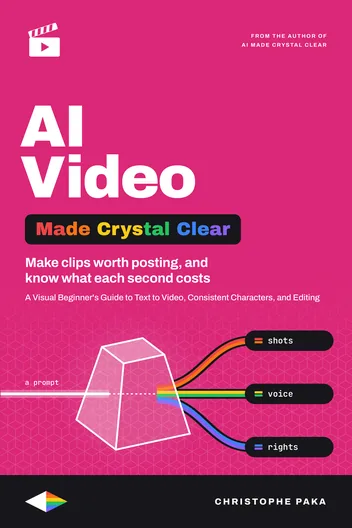
AI Video
Available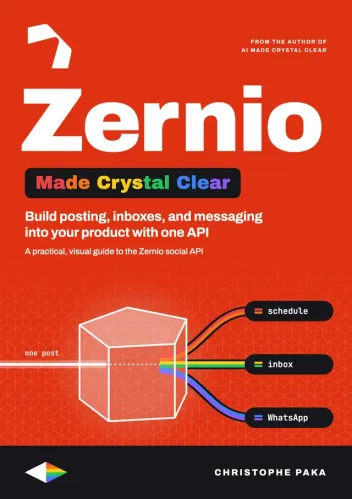
Zernio
Available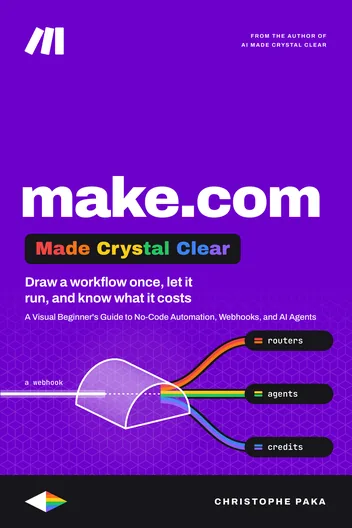
Make.com
Available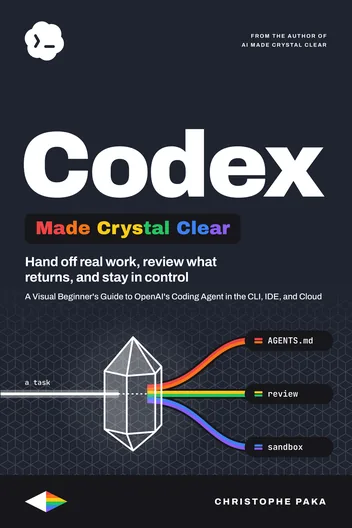
Codex
Available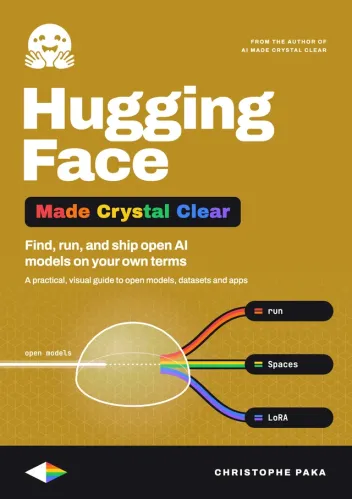
Hugging Face
Available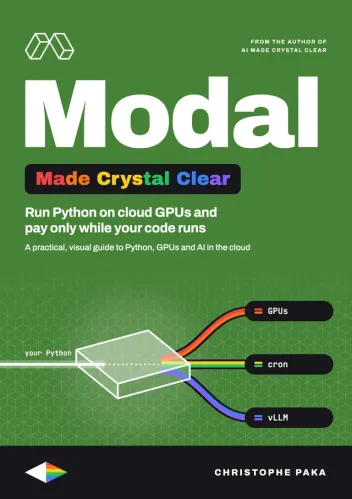
Modal
Available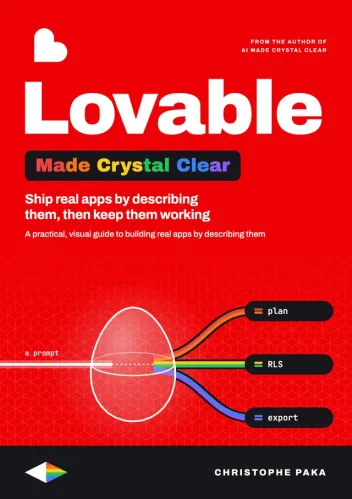
Lovable
Available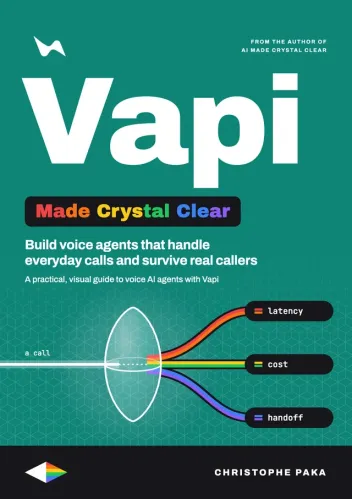
Vapi
Available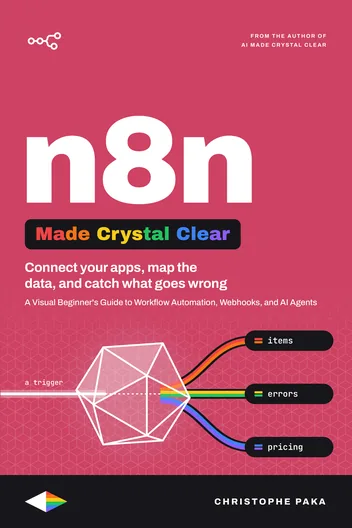
n8n
Available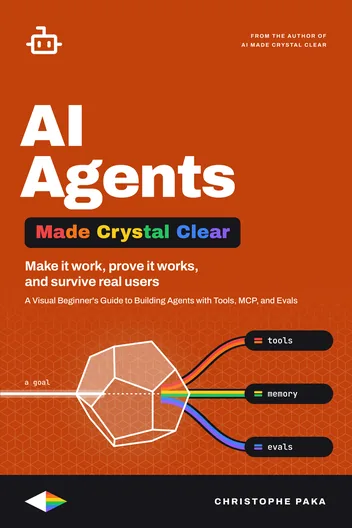
AI Agents
Available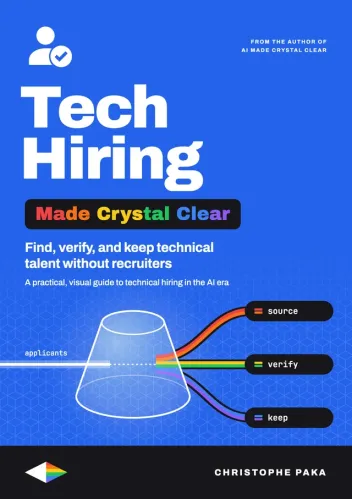
Tech Hiring
Available
ElevenLabs
Available
AI
Available
Claude Code
Available
Git
Available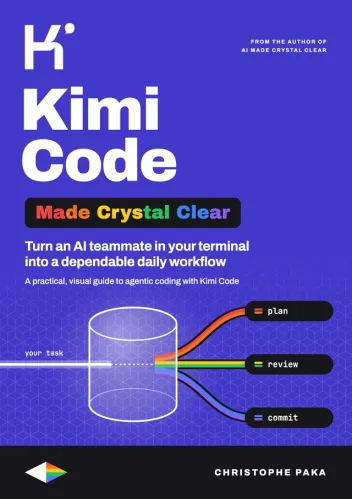
Kimi Code
Available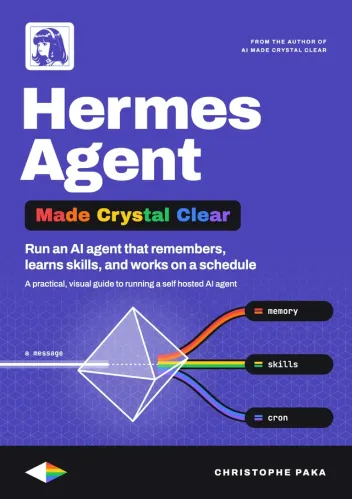
Hermes Agent
Available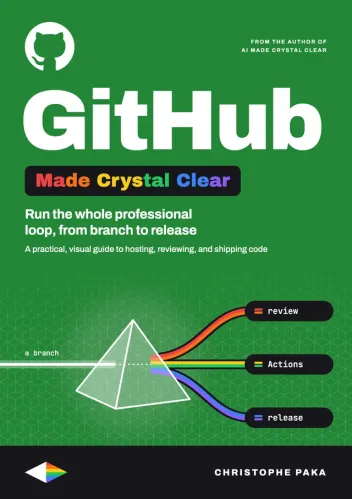
GitHub
Available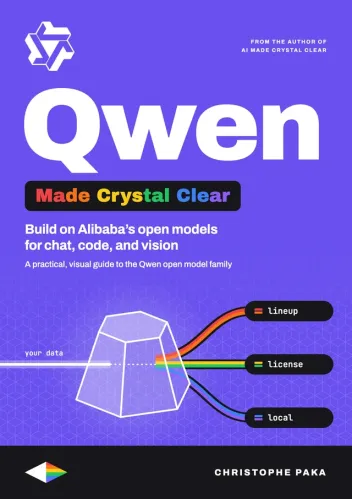
Qwen
Available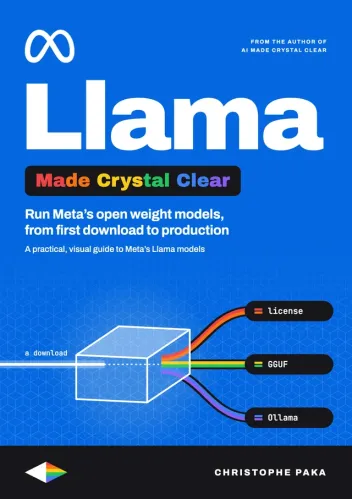
Llama
Available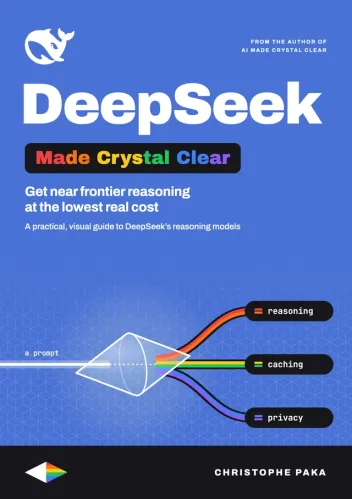
DeepSeek
Available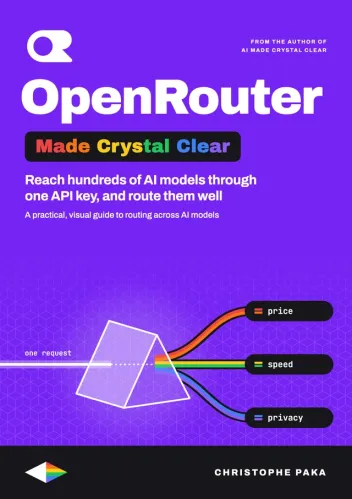
OpenRouter
Available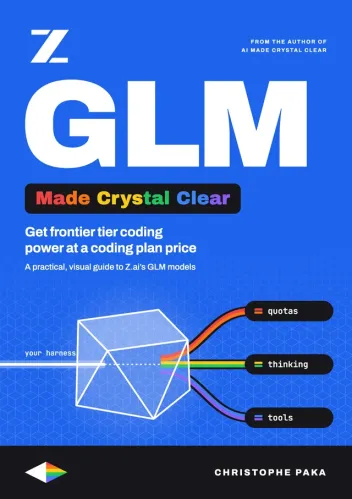
GLM
Available
Gemini
Available
Mistral
Available
OpenClaw
Available
Grok Bot
Available
Vercel
Available
Fly.io
Available
Cursor
Available
The +1 Method
AvailableNew books, in your inbox
One short note when a new Made Crystal Clear guide ships.
No spam, unsubscribe anytime.