
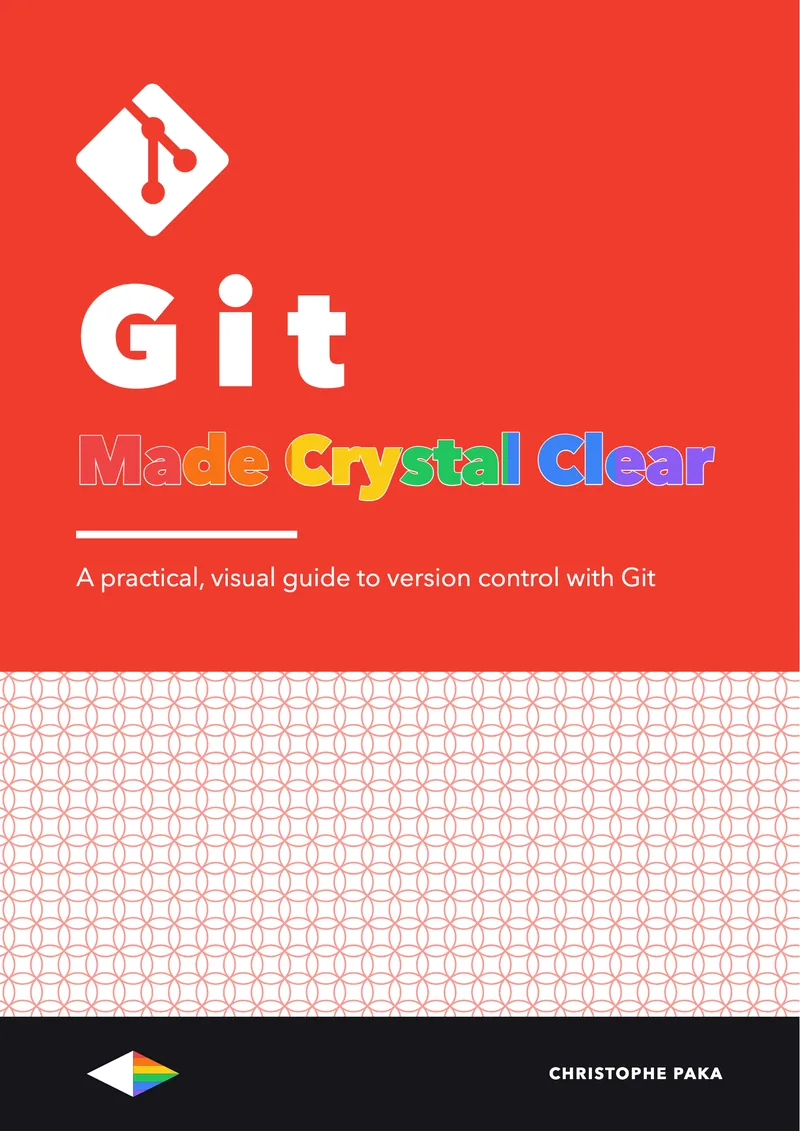
Git
Made Crystal Clear
 By Christophe Paka · Updated August 11, 2026
A practical, visual guide to version control with Git
Prefer it on your Kindle, or on paper? Same book, on Amazon.
Who this book is for
In plain words: Git keeps every version of your files, so you can go back in time, try ideas safely, and work on the same project with other people.
- Developers who use Git but don't really understand it
- Students and career changers learning to code
- Data people and writers who want version control
- Not for: Not for you if you mainly want pull requests and teamwork on GitHub. Try GitHub Made Crystal Clear.
Git is the tool every developer touches daily and few truly understand. This guide swaps memorized incantations for a clear mental model, so you can branch, merge, rebase, and recover with total confidence, explained visually and hands-on.
- Pages
- 74
- Level
- Beginner to advanced
- Updated
- August 11, 2026
12 real pages. Click a page to enlarge it.
Inside the book
- 01What Git Is, and Why It Won
- 02Core Concepts: The Three Trees and the Object Model
- 03Getting Started: Install, Configure, First Commit
- 04Branching and Merging Without Fear
- 05Working with Remotes
- 06Rewriting History: Amend, Rebase, Interactive Rebase
- 07Undo Anything: Restore, Reset, Revert, Reflog, Stash
- 08Collaboration Workflows
- 09Power Tools and Scale
- 10Cheat Sheet and Learning Path
You'll leave with
- The Git mental model: snapshots, the commit graph, and the three trees
- Branch, merge, and resolve conflicts without fear
- Rewrite history safely with rebase, amend, and interactive rebase
About the author
Christophe Paka writes every book on the shelf. He spent years in technical support at Salesforce and Microsoft, where the job was to make complex systems clear to customers who needed them working the same day. He has since built and run software as a founder and lead developer, worked as a Salesforce consultant, and grown a YouTube channel on tech careers past one million views.
This book was last updated on August 11, 2026.
Connect on LinkedIn →For teams
Put Git on every desk at your company.
One licence, every book in the series, one link for everyone. From $250 a year.
Sources
Every source cited in Git Made Crystal Clear. Each number matches the [n] marker next to that link in the book's "Go deeper" lists, so you can trace any claim back to its origin.
- [1]Pro Git (git-scm.com)
- [2]Git downloads
- [3]Git reference manual
- [4]Pro Git 1.3: What is Git?
- [5]Git home
- [6]Pro Git, Git Internals: Git Objects
- [7]Pro Git, Branches in a Nutshell
- [8]Pro Git, Reset Demystified
Show all 36 sources
- [9]Pro Git: First-Time Git Setup
- [10]Pro Git: Getting a Git Repository
- [11]git config docs
- [12]Pro Git: Basic Branching and Merging
- [13]git merge documentation
- [14]git switch documentation
- [15]Pro Git: Working with Remotes
- [16]git-remote docs
- [17]git-push docs
- [18]Pro Git 3.6, Rebasing
- [19]git-rebase documentation
- [20]git-commit documentation
- [21]git-reflog documentation
- [22]git-revert documentation
- [23]git-restore documentation
- [24]git-stash
- [25]gitworkflows(7)
- [26]gitignore(5)
- [27]githooks documentation
- [28]pre-commit
- [29]Atlassian Git tutorials
- [30]git bisect
- [31]git submodule
- [32]Git LFS
- [33]Pro Git 2: Git Basics
- [34]git reset
- [35]Learn Git Branching
- [36]Oh Shit, Git!?!
Also in the series
37 more titles, one tool or topic each. Swipe or use the arrows.
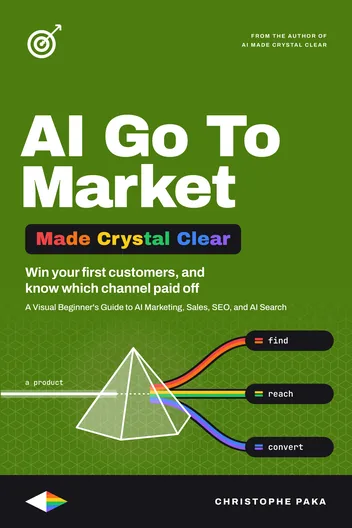
AI Go To Market
Available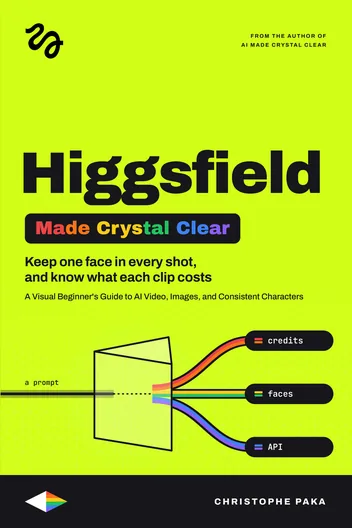
Higgsfield
Available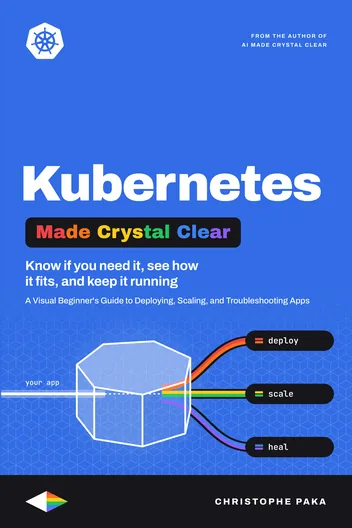
Kubernetes
Available
Cloudflare
Available
Jev
Available
Supabase
Available
AI Video
Available
Zernio
Available
Make.com
Available
Codex
Available
Hugging Face
Available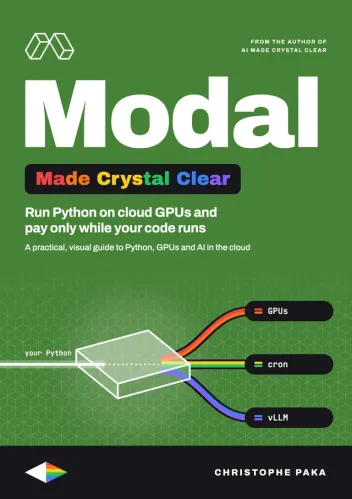
Modal
Available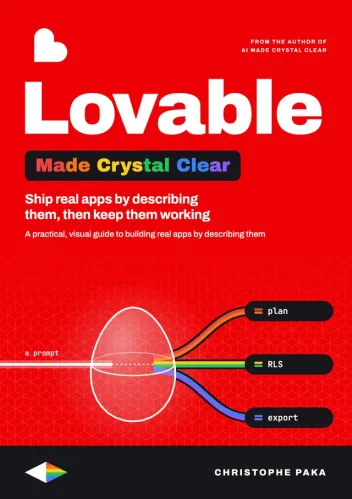
Lovable
Available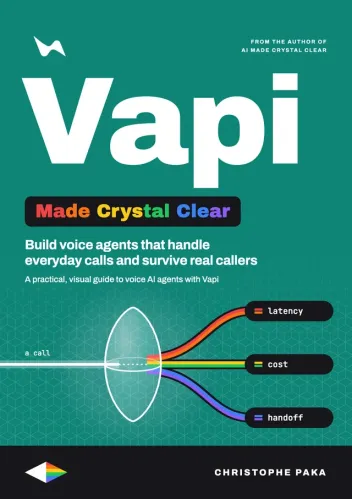
Vapi
Available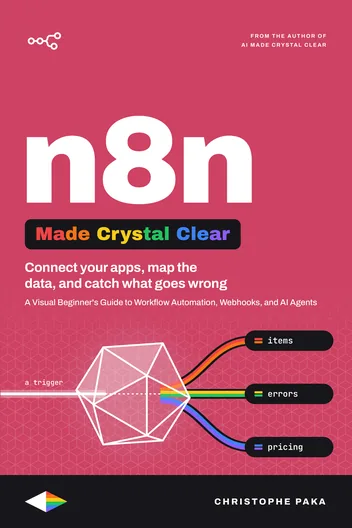
n8n
Available
AI Agents
Available
Tech Hiring
Available
ElevenLabs
Available
AI
Available
Claude Code
Available
Kimi Code
Available
Hermes Agent
Available
GitHub
Available
Docker
Available
Qwen
Available
Llama
Available
DeepSeek
Available
OpenRouter
Available
GLM
Available
Gemini
Available
Mistral
Available
OpenClaw
Available
Grok Bot
Available
Vercel
Available
Fly.io
Available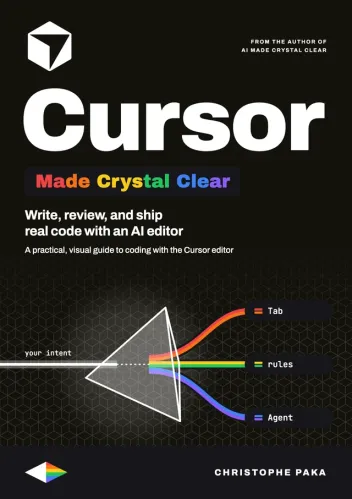
Cursor
Available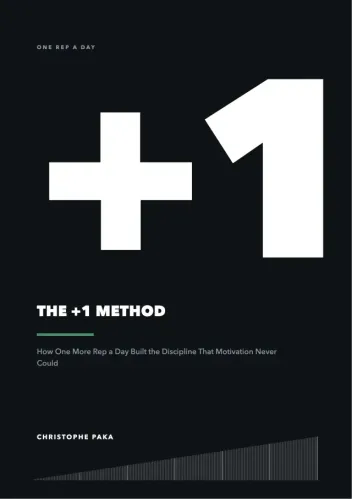
The +1 Method
AvailableNew books, in your inbox
One short note when a new Made Crystal Clear guide ships.
No spam, unsubscribe anytime.