
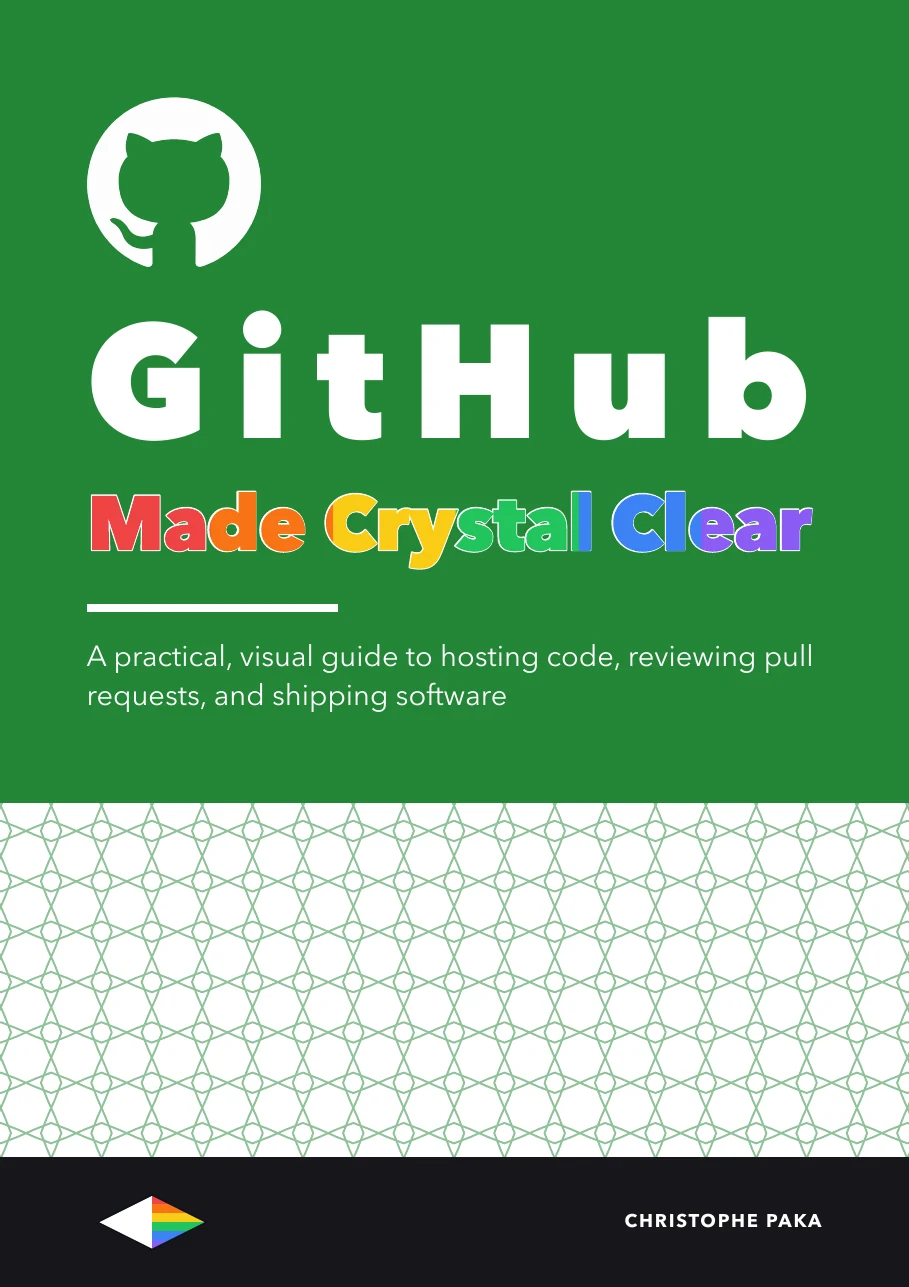
GitHub
Made Crystal Clear
A practical, visual guide to hosting code, reviewing pull requests, and shipping software
This guide separates git from GitHub on page one, then walks the whole professional loop: branches and pull requests, reviews that catch real problems, Actions workflows you can read line by line, releases, and the security you already have but never switched on. It closes with the two chapters other guides skip: getting your first contribution merged into a project you do not own, and building a profile that survives a sixty-second scan, with an honest answer about what that is worth.
- Pages
- 266
- Level
- Beginner to advanced
- Status
- Available
Inside the book
- 01The GitHub moment
- 02Your first repository
- 03The GitHub flow: branch, pull request, merge
- 04Pull requests worth reviewing
- 05Reviewing code: a method, not a button tour
- 06How real teams work
- 07Guardrails: protection, owners, permissions
- 08Branching strategies that survive contact
- 09GitHub Actions: from mystery to model
- 10When the run goes red
- 11Ship it: releases, versioning and pages
- 12Security you already have
- 13Your first contribution to someone else's project
- 14Your profile, honestly
- 15What it costs, the cheat sheet, and what to learn next
You'll leave with
- Tell git and GitHub apart, and always know where your file is
- Run the GitHub flow: branch, pull request, review, merge, release
- Write pull requests a busy reviewer says yes to, and review a fifty-file diff without losing your place
For teams
Put GitHub on every desk at your company.
One licence, every book in the series, one link for everyone. From $250 a year.
Sources
Every source cited in GitHub Made Crystal Clear. Each number matches the [n] marker next to that link in the book's "Go deeper" lists, so you can trace any claim back to its origin.
- [1]About GitHub and Git (GitHub Docs)
- [2]About Git (GitHub Docs)
- [3]Hello World (GitHub Docs)
- [4]GitHub flow (GitHub Docs)
- [5]About repositories (GitHub Docs)
- [6]About large files on GitHub (GitHub Docs)
- [7]About authentication to GitHub (GitHub Docs)
- [8]About GitHub (github.com)
- [9]Creating an account on GitHub
- [10]About two-factor authentication
- [11]Generating a new SSH key and adding it to the ssh-agent
- [12]Set up Git
- [13]About READMEs
- [14]Basic writing and formatting syntax
- [15]Licensing a repository
- [16]About pull requests
- [17]About branches
- [18]About pull request merges
- [19]About merge conflicts
- [20]Resolving a merge conflict using the command line
- [21]Small CLs (Google Engineering Practices)
- [22]Speed of code reviews (Google Engineering Practices)
- [23]Best practices for peer code review (SmartBear, reporting the Cisco Systems study)
- [24]Linking a pull request to an issue (GitHub Docs)
- [25]About pull request reviews (GitHub Docs)
- [26]Do Small Code Changes Merge Faster? A Multi-Language Empirical Investigation
- [27]DORA: the four keys
- [28]gh pr create (GitHub CLI manual)
- [29]Filtering files in a pull request (GitHub Docs)
- [30]Managing a branch protection rule (GitHub Docs)
- [31]The standard of code review (Google Engineering Practices)
- [32]Using Copilot code review (GitHub Docs)
- [33]Copilot code review concepts (GitHub Docs)
- [34]Announcing the 2024 DORA report (Google Cloud)
- [35]About issues (GitHub Docs)
- [36]Setting guidelines for repository contributors (GitHub Docs)
- [37]Syntax for issue forms (GitHub Docs)
- [38]About Projects (GitHub Docs)
- [39]About teams (GitHub Docs)
- [40]Configuring notifications (GitHub Docs)
- [41]Showing your private contributions and achievements (GitHub Docs)
- [42]About protected branches
- [43]About rulesets
- [44]About code owners
- [45]Repository roles for an organization
- [46]GitHub's plans
- [47]GitHub pricing
- [48]GitHub Flow (Scott Chacon, 2011)
- [49]A successful Git branching model (Vincent Driessen, 2010)
- [50]Trunk Based Development
- [51]DORA capability: trunk-based development
- [52]DORA capability: continuous delivery
- [53]Continuous Integration (Martin Fowler, revised 18 January 2024)
- [54]Understanding GitHub Actions
- [55]Quickstart for GitHub Actions
- [56]Events that trigger workflows
- [57]Workflow syntax for GitHub Actions
- [58]Running variations of jobs in a workflow
- [59]Dependency caching reference
- [60]Using secrets in GitHub Actions
- [61]Automatic token authentication
- [62]GitHub Actions limits
- [63]GitHub Status
- [64]GitHub Status incident history
- [65]GitHub-hosted runners reference (GitHub docs)
- [66]Billing for GitHub Actions (GitHub docs)
- [67]Actions runner pricing (GitHub docs)
- [68]Understanding and Detecting Flaky Builds in GitHub Actions
- [69]About releases (GitHub Docs)
- [70]Semantic Versioning 2.0.0
- [71]Conventional Commits 1.0.0
- [72]How to Write a Git Commit Message (Chris Beams)
- [73]Deployments and environments (GitHub Docs)
- [74]What is GitHub Pages? (GitHub Docs)
- [75]Using custom workflows with GitHub Pages (GitHub Docs)
- [76]Introduction to GitHub Packages (GitHub Docs)
- [77]GitHub security features
- [78]About the dependency graph
- [79]About Dependabot alerts
- [80]About Dependabot version updates
- [81]About secret scanning
- [82]About push protection
- [83]About forks
- [84]About code scanning with CodeQL
- [85]Billing for GitHub Advanced Security
- [86]Open Source Guides: How to Contribute
- [87]Open Source Guides: Best Practices for Maintainers
- [88]Searching for repositories (GitHub Docs)
- [89]AI Policy, Disclosure, and Human in the Loop: How Are Contribution Guidelines Adapting to GenAI?
- [90]Open source AI contribution policies (melissawm)
- [91]About GitHub CLI (GitHub Docs)
- [92]About your profile (GitHub Docs)
- [93]Pinning items to your profile (GitHub Docs)
- [94]Using your GitHub profile to enhance your resume (GitHub Docs)
- [95]Saving repositories with stars (GitHub Docs)
- [96]Understanding GitHub code search syntax (GitHub Docs)
- [97]GitHub Actions pricing calculator
- [98]GitHub security plans
- [99]GitHub Copilot plans (GitHub Docs)
- [100]State of CI/CD Report (CD Foundation and SlashData)
- [101]GitHub (Wikipedia)
- [102]Octoverse 2024 (GitHub blog)
Also in the series
33 more titles, one tool or topic each. Swipe or use the arrows.
Jev
Available
Supabase
Available
AI Video
Available
Zernio
Available
Make.com
Available
OpenAI Codex
Available
Hugging Face
Available
Modal
Available
Lovable
Available
Vapi
Available
n8n
Available
AI Agents
Available
Tech Hiring
Available
ElevenLabs
Available
AI
Available
Claude Code
Available
Git
Available
Kimi Code
Available
Hermes Agent
Available
Docker
Available
Qwen
Available
Llama
Available
DeepSeek
Available
OpenRouter
Available
GLM
Available
Gemini
Available
Mistral
Available
OpenClaw
Available
Grok Bot
Available
Vercel
Available
Fly.io
Available
Cursor
Available
The +1 Method
AvailableNew books, in your inbox
One short note when a new Made Crystal Clear guide ships.
No spam, unsubscribe anytime.