
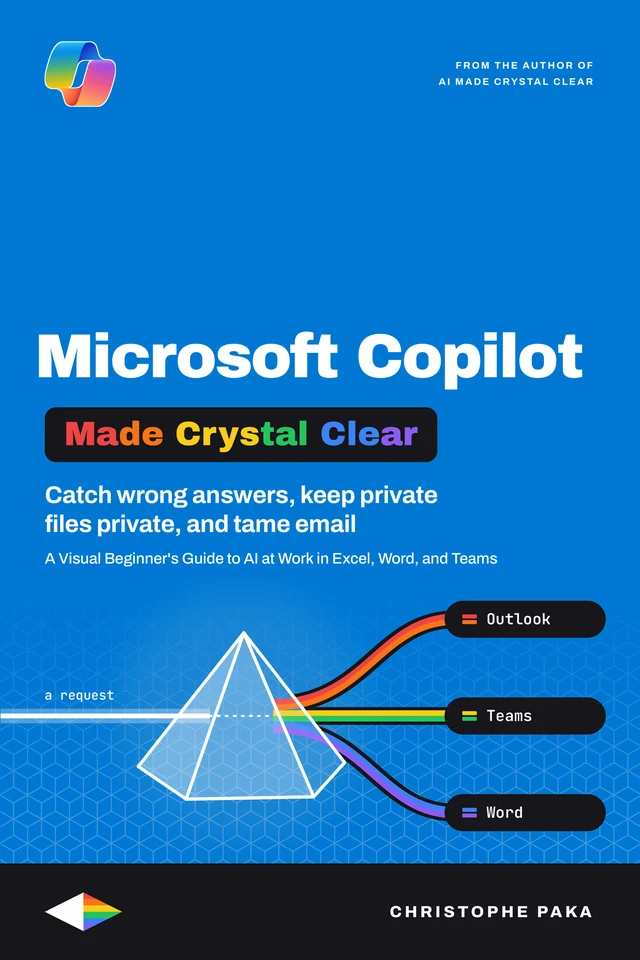
Microsoft Copilot
Made Crystal Clear
 By Christophe Paka · Updated November 13, 2026
A Visual Beginner's Guide to AI at Work in Excel, Word, and Teams
Who this book is for
In plain words: Copilot is the AI assistant in your Microsoft work account: it drafts and summarizes in Outlook, Teams, Word and Excel, and only opens files you can already open.
- Busy professionals whose company gave them Copilot and who want real time back
- Newcomers on free Copilot Chat who wonder how far it goes without a license
- IT leads and managers rolling it out without risking company data
- Not for: Not for you if you want GitHub Copilot, the AI that helps you write code. Try GitHub Made Crystal Clear.
Your company switched on Copilot, you asked it something, and the answer was vague, so now you wonder whether it is worth the effort. This visual beginner's guide shows you which Copilot you have, how to ask it well, and how to check what it gives back. Inside, you will learn to: tell Copilot Chat, included with your work plan, from the paid license, and read the label under your name that says which one you have; write a four part brief (goal, context, source, expectations) and check every answer against the file or email it cites; summarize long email threads and meetings, draft replies in Outlook, and draft documents and decks in Word and PowerPoint that you still check before they leave; question a budget in Excel and approve a change before Copilot makes it; keep company data safe: what Copilot stores, who can see your history, and why it never opens a file you could not already open; and know what Copilot costs, seats and metered credits alike, what independent government trials found, and whether a seat pays back for your team. Fifteen chapters, 45 diagrams and 30 step by step recipes. Every idea has a diagram, every recipe is numbered with the result you should see, and every chapter ends with a Try it to check yourself. The words stay plain, and the real terms stay in. Whether you are a busy professional, a newcomer on Copilot Chat, a manager or the IT lead who rolls it out, one sample project, the Spring Launch, runs through every chapter, and you finish knowing where Copilot saves you time and where you should not trust it yet.
- Pages
- 192
- Level
- Beginner to advanced
- Updated
- November 13, 2026
12 real pages. Click a page to enlarge it.
Is this you?
- You are not sure if you have free Copilot Chat or the paid licenseChapter 1: Which Copilot Do You Have?
- You tried one vague prompt and decided Copilot was hypeChapter 4: Prompts That Work: Write a Brief, Not a Wish
- Copilot says it cannot read your Excel file, or it guesses your formulasChapter 8: Excel: Analyze Data and Check Every Edit
- Copilot could not recap your meeting, and you do not know whyChapter 6: Teams: Meetings, Recaps, and Chats
- You fear Copilot will show people files they should never seeChapter 12: Your Data: What Copilot Sees, Keeps, and Shares
- Your company bought seats, and you must prove they are worth the moneyChapter 14: Is Copilot Worth It? Costs, Evidence, and Alternatives
15 chapters · 50 diagrams · 30 recipes · 41 checklists · 154 glossary terms · 163 sources
Inside the book
- 01Which Copilot Do You Have?
- 02Your First Hour in Copilot Chat
- 03How Copilot Answers, and How to Check It
- 04Prompts That Work: Write a Brief, Not a Wish
- 05Outlook: Tame Your Inbox
- 06Teams: Meetings, Recaps, and Chats
- 07Word: Draft, Rewrite, and Summarize
- 08Excel: Analyze Data and Check Every Edit
- 09PowerPoint and OneNote: From Document to Deck
- 10Pages, Notebooks, Memory, and Scheduled Tasks
- 11Agents: Use Microsoft's, Build Your Own
- 12Your Data: What Copilot Sees, Keeps, and Shares
- 13Roll It Out: Pilot, Guardrails, and Adoption
- 14Is Copilot Worth It? Costs, Evidence, and Alternatives
- 15Your First 30 Days and the Cheat Sheet
You'll leave with
- Tell free Copilot Chat from the paid license, and read the label that says which one you have
- Write a four part brief (goal, context, source, expectations) and check each answer against its source
- Summarize email threads and meetings, and draft replies you still check before you send
About the author
Christophe Paka writes every book on the shelf. He spent years in technical support at Salesforce and Microsoft, where the job was to make complex systems clear to customers who needed them working the same day. He has since built and run software as a founder and lead developer, worked as a Salesforce consultant, and grown a YouTube channel on tech careers past one million views.
This book was last updated on November 13, 2026.
Connect on LinkedIn →For teams
Put Microsoft Copilot on every desk at your company.
One licence, every book in the series, one link for everyone. From $250 a year.
Sources
Every source cited in Microsoft Copilot Made Crystal Clear. Each number matches the [n] marker next to that link in the book's "Go deeper" lists, so you can trace any claim back to its origin.
- [1]What is Microsoft Copilot? (Learn overview)
- [2]Microsoft Copilot requirements
- [3]How Copilot Chat works with and without a Microsoft 365 Copilot license
- [4]The Microsoft 365 app transition to the Microsoft Copilot app
- [5]Partner Center announcements, August 2026
- [6]Introducing the new Copilot with Home, Code and Autopilot (2026-09-25)
- [7]Introducing Microsoft Copilot Studio and new features in Copilot for Microsoft 365 (2023-11-15)
- [8]Furthering our AI ambitions: Bing Chat Enterprise and Microsoft 365 Copilot pricing (2023-07-18)
Show all 163 sources
- [9]Microsoft Copilot plans and pricing, business
- [10]Microsoft Copilot plans and pricing, enterprise
- [11]License options for Microsoft Copilot
- [12]Compare Copilot in E3, E5, and E7
- [13]Microsoft 365 E7 and Agent 365 are now generally available (2026-05-01)
- [14]Microsoft 365 Copilot Business: the future of work for small businesses (2025-12-02)
- [15]Copilot pricing plans for individuals
- [16]Copilot is now included in Microsoft 365 Personal and Family (2025-01-16)
- [17]Microsoft Copilot for individuals
- [18]Meters for Microsoft Copilot pay-as-you-go services
- [19]Usage-based billing and cost management for Copilot Credits
- [20]Semantic indexing for Microsoft Copilot
- [21]Application card: Microsoft Copilot (for organizations)
- [22]Data, privacy, and security for Microsoft Copilot
- [23]Data, privacy, and security for web search in Microsoft Copilot and Microsoft Copilot Chat
- [24]Data protection and auditing for Microsoft Copilot
- [25]Supported languages for Microsoft Copilot
- [26]Standard versus priority access to features in Microsoft 365 Copilot Chat
- [27]Welcome to Copilot in Word
- [28]How Copilot Chat works in Microsoft 365 apps
- [29]Get started with Copilot in Excel
- [30]Frequently asked questions about Copilot in Excel
- [31]Get an advanced data analysis using Copilot in Excel with Python (retired)
- [32]Draft, analyze, and present with Microsoft Copilot (MS-4018 learning path)
- [33]Welcome to Copilot in PowerPoint
- [34]Create a new presentation with Copilot in PowerPoint
- [35]Create a presentation from existing files
- [36]Welcome to Copilot in OneNote
- [37]Summarize an email thread with Copilot in Outlook
- [38]Draft an email message with Copilot in Outlook
- [39]Frequently asked questions about Copilot in Outlook
- [40]Get started with Copilot in Microsoft Teams meetings
- [41]Use Copilot without transcribing or recording a Teams meeting or call
- [42]Use Copilot in Microsoft Teams chat and channels
- [43]Facilitator in Microsoft Teams meetings
- [44]Learn about Copilot prompts
- [45]Write a great prompt in Microsoft 365 Copilot
- [46]Write prompts that get results (Learn unit)
- [47]Get ready to work with Microsoft Copilot (Learn module)
- [48]Write effective prompts to achieve optimal results (Learn module)
- [49]Write an effective prompt (Learn unit)
- [50]Review prompting best practices (Learn unit)
- [51]Discover, share, and save prompts with Prompt Lab (Learn unit)
- [52]Save your favorite prompts to use again
- [53]Understand Prompt Gallery in Copilot (admin)
- [54]Get started with Microsoft Copilot Pages
- [55]Frequently asked questions about Copilot Notebooks
- [56]Extending Microsoft 365 Copilot with plugins (landing)
- [57]Microsoft Copilot documentation hub
- [58]Ways to extend Microsoft 365 Copilot
- [59]What Is a Microsoft 365 Copilot Plugin?
- [60]Compare declarative and custom engine agents
- [61]Declarative agents for Microsoft 365 Copilot
- [62]Microsoft 365 Copilot connectors overview
- [63]Build agents in Agent Builder
- [64]Add knowledge sources to an agent in Agent Builder
- [65]Share and manage agents built in Agent Builder
- [66]Choose between Agent Builder and Copilot Studio
- [67]Copy an agent from Agent Builder to Copilot Studio
- [68]Agents built by Microsoft
- [69]Microsoft Copilot Researcher agent FAQ
- [70]Set up your development environment (Agent capabilities and licensing models)
- [71]Plan licensing and cost for Microsoft 365 Copilot extensibility
- [72]Microsoft Copilot pay-as-you-go service overview
- [73]Copilot Studio billing rates and management
- [74]Agent Registry in Microsoft 365 admin center
- [75]Agent settings in Microsoft 365 admin center
- [76]Manage Copilot personalization and memory
- [77]Customize how Microsoft 365 Copilot responds to you
- [78]Schedule your most used Copilot prompts
- [79]How Microsoft 365 Copilot Notebooks works
- [80]Enterprise data protection in Microsoft Copilot and Microsoft Copilot Chat
- [81]Privacy and protections (Copilot Chat)
- [82]Secure and govern Microsoft Copilot: Foundational deployment guidance
- [83]Copilot controls overview
- [84]Copilot controls security and governance
- [85]What is SharePoint Advanced Management?
- [86]Restrict discovery of SharePoint sites and content
- [87]Restricted SharePoint Search
- [88]Data access governance reports for SharePoint and OneDrive sites
- [89]Microsoft Purview data security and compliance protections for generative AI apps
- [90]Learn about using Microsoft Purview Data Loss Prevention to protect interactions with Microsoft 365 Copilot, Copilot Chat, and Cowork
- [91]Learn about retention for Copilot & AI apps
- [92]Audit logs for Copilot and AI applications
- [93]Microsoft Copilot adoption guide and overview for IT admins
- [94]Assign or unassign licenses for users in the Microsoft 365 admin center
- [95]Configure Microsoft Copilot settings in the Microsoft 365 admin center
- [96]Manage Copilot Chat
- [97]Welcome users, create organizational messages, and enable feedback for Microsoft Copilot
- [98]Change the Microsoft 365 Apps update channel for devices in your organization
- [99]Upcoming channel unification: Semi-Annual Enterprise Channel to Monthly Enterprise Channel
- [100]Microsoft Copilot adoption (adoption.microsoft.com)
- [101]Microsoft Copilot usage report
- [102]Microsoft Copilot reporting options for admins
- [103]Copilot controls measurement and reporting
- [104]Connect to the Microsoft Copilot Dashboard for Microsoft 365 customers
- [105]Microsoft 365 Copilot Experiment: Cross-Government Findings Report (GDS, June 2025)
- [106]The Evaluation of the M365 Copilot Pilot in the Department for Business and Trade (August 2025)
- [107]Discover DBT's M365 Copilot evaluation report (DBT blog, September 2025)
- [108]UK government trial of M365 Copilot finds no clear productivity boost (The Register, September 2025)
- [109]Evaluation of a trial of generative AI (Copilot) in the Treasury, summary (ACE, February 2025)
- [110]Evaluation of a trial of generative AI (Copilot) in the Treasury, publication page
- [111]Treasury M365 Copilot review estimates 13 minute efficiency gain needed (iTnews, February 2025)
- [112]Gov Copilot trial unsettled by usage metrics and unmet expectations (iTnews, October 2024)
- [113]Shifting Work Patterns with Generative AI (arXiv v3, July 2025; Microsoft Research led)
- [114]NBER Working Paper 33795
- [115]Gartner: Microsoft Copilot hype offset by ROI and readiness realities (techpartner.news, June 2025)
- [116]Microsoft 365 Copilot rollouts slowed by data security, ROI concerns (Computerworld, September 2024)
- [117]Why AI assistants still face barriers at scale (Computerworld, January 2026)
- [118]EchoLeak: The First Real-World Zero-Click Prompt Injection Exploit in a Production LLM System (arXiv, September 2025)
- [119]EchoLeak in Microsoft Copilot: What it Means for AI Security (Varonis blog)
- [120]Too much access: Microsoft Copilot data risks explained (Concentric AI, April 2026)
- [121]Microsoft launches cheaper Microsoft 365 Copilot Business (Office Watch, December 2025)
- [122]Forrester TEI of Microsoft 365 Copilot (March 2025, commissioned by Microsoft)
- [123]Google Workspace price increase 2025 (9to5Google, January 2025)
- [124]Claude pricing (Anthropic, retrieved November 2026)
- [125]Google Workspace pricing (retrieved November 2026, Thai baht view)
- [126]ChatGPT pricing (retrieved November 2026, no business prices shown)
- [127]Prompting in Copilot (The Ohio State University IT)
- [128]Use Current Channel or the Monthly Enterprise Channel to access Copilot features
- [129]Delete your Microsoft 365 Copilot activity history
- [130]Set up Microsoft 365 Copilot, admin guide
- [131]Microsoft 365 Copilot Chat usage report
- [132]Microsoft 365 Copilot readiness report
- [133]Anthropic models in Microsoft Online Services
- [134]Agent Mode in Excel
- [135]Keep it short and sweet: a guide on the length of documents that you provide to Copilot
- [136]Create a meeting agenda with Copilot in Outlook (Schedule with Copilot)
- [137]Get email coaching with Copilot in Outlook
- [138]Frequently asked questions about Copilot in Microsoft Teams
- [139]Overview of AI in Microsoft Teams for IT admins
- [140]Frequently asked questions about Copilot in Loop
- [141]Overview of Copilot Pages and Copilot Notebooks permissions
- [142]Get started with Microsoft 365 Copilot Notebooks
- [143]Share a Microsoft 365 Copilot Notebook
- [144]Drive adoption of Microsoft 365 Copilot, session 2 (prompting)
- [145]Now generally available: Surveys agent in Microsoft 365 Copilot (Microsoft Forms blog)
- [146]Microsoft 365 blog post on Researcher and Analyst (combined 25 queries a month)
- [147]Get more agents in the Microsoft 365 Copilot app
- [148]Submit agents from Agent Builder to your org catalog
- [149]Manage agents for Microsoft 365 Copilot (extensibility)
- [150]Plugins for Microsoft Copilot (MCP and API plugins as actions)
- [151]Manage agents in the Microsoft 365 admin center
- [152]Copilot Studio licensing and billing (Copilot Credits)
- [153]Microsoft 365 Copilot (enterprise product page)
- [154]Microsoft 365 blog, January 2024: Copilot for all sizes, no seat minimum
- [155]What's the difference between Microsoft Copilot (free) and Copilot in Microsoft 365
- [156]What's the difference between using Copilot Chat with or without a Microsoft 365 Copilot license
- [157]Microsoft 365 Copilot drove up to 353% ROI for small and medium businesses (Microsoft 365 blog, 2024-10-17)
- [158]Forrester projected TEI of Microsoft 365 Copilot for SMB (October 2024, commissioned by Microsoft)
- [159]Forrester projected TEI of Microsoft Copilot Studio (September 2025, commissioned by Microsoft)
- [160]The State of Microsoft 365 Copilot: Survey Results (Gartner abstract, October 2024)
- [161]r/microsoft_365_copilot (Reddit community)
- [162]r/copilotstudio (Reddit community)
- [163]Microsoft Tech Community: Microsoft Copilot
Also in the series
41 more titles, one tool or topic each. Swipe or use the arrows.

HyperFrames
Available
Obsidian
Available
OpenCode
Available
AI Go-To-Market
Available
Higgsfield
Available
Kubernetes
Available
Cloudflare
Available
Jev
Available
Supabase
Available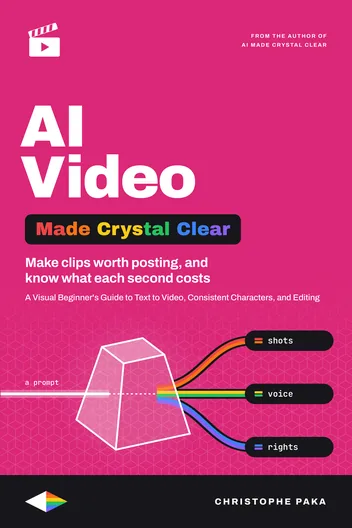
AI Video
Available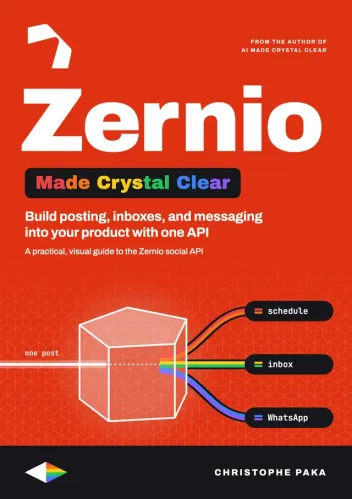
Zernio
Available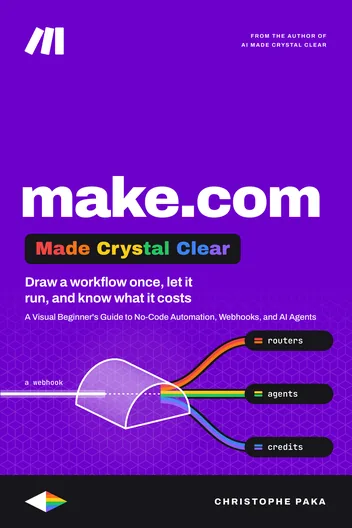
Make.com
Available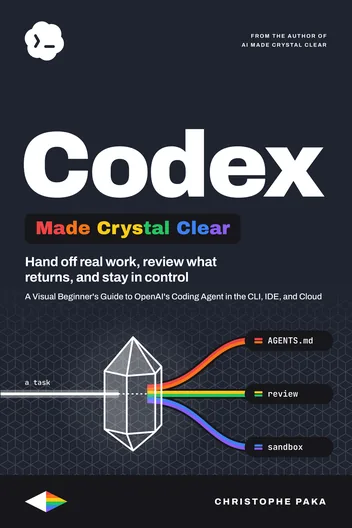
Codex
Available
Hugging Face
Available
Modal
Available
Lovable
Available
Vapi
Available
n8n
Available
AI Agents
Available
Tech Hiring
Available
ElevenLabs
Available
AI
Available
Claude Code
Available
Git
Available
Kimi Code
Available
Hermes Agent
Available
GitHub
Available
Docker
Available
Qwen
Available
Llama
Available
DeepSeek
Available
OpenRouter
Available
GLM
Available
Gemini
Available
Mistral
Available
OpenClaw
Available
Grok Bot
Available
Vercel
Available
Fly.io
Available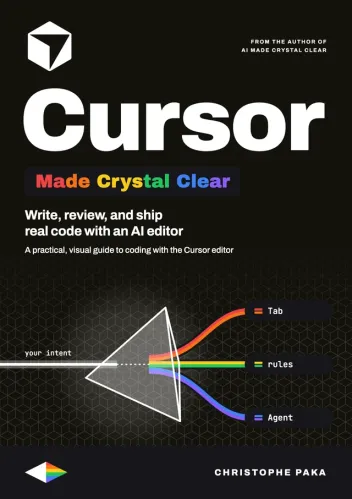
Cursor
Available
The +1 Method
AvailableNew books, in your inbox
One short note when a new Made Crystal Clear guide ships.
No spam, unsubscribe anytime.