
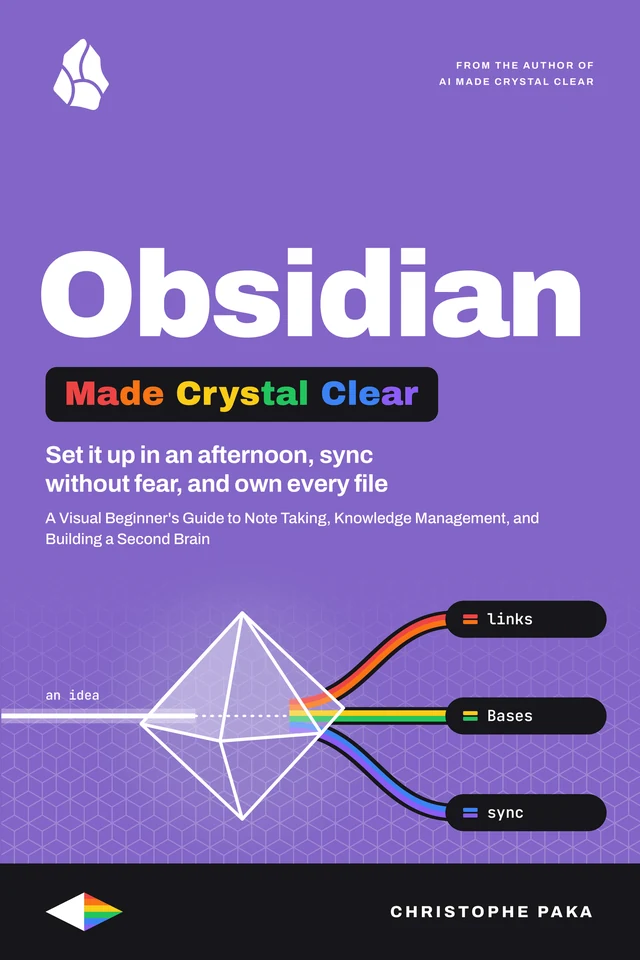
Obsidian
Made Crystal Clear
 By Christophe Paka · Updated November 12, 2026
A Visual Beginner's Guide to Note Taking, Knowledge Management, and Building a Second Brain
Who this book is for
In plain words: Obsidian is a free app for writing and linking notes, and it keeps every note as a plain text file in a folder on your own device.
- Busy professionals who want one calm, private home for their notes
- Students who want notes linked and safe on laptop, tablet and phone
- People moving in from Notion, Evernote or Apple Notes
- Not for: Not for you if your team needs to edit the same page together, live, with cursors.
You want one place for everything you know, but every setup video adds another plugin, and every sync story ends with a lost file. This visual beginner's guide starts small, stays calm, and keeps your files safe. Inside, you will learn to write and link notes so each idea finds the others, and let backlinks (the links that point back at a note) do the remembering; turn a few properties (labeled fields such as status or due date) into tables and boards with Bases, while every note stays a plain file; keep a daily note and templates that make the habit stick; add plugins without handing over your vault, and know what each one can reach; put your vault on your phone with one sync method, never two on one vault, and keep a backup outside your sync, so one bad sync cannot cost you your notes; and move in from Notion, Evernote or Apple Notes, and know what Obsidian costs next to the alternatives. Sixteen chapters, 43 diagrams and 31 step by step recipes. Every idea has a diagram, every recipe is numbered with the result you should see, and every chapter ends with a Try it to check yourself. The words stay plain, and the real terms stay in. Whether you are a busy professional, a student, a researcher or on your way out of Notion, one sample vault, Field Notes, runs through every chapter, and you finish with a system you trust and can leave at any time.
- Pages
- 194
- Level
- Beginner to advanced
- Updated
- November 12, 2026
12 real pages. Click a page to enlarge it.
Is this you?
- You opened a blank vault and have no idea where to startChapter 2: Your First Vault in 30 Minutes
- You keep starting over because you think you must pick PARA or Zettelkasten firstChapter 10: Organize Without Overthinking
- You miss your Notion databases and fear Bases will lock your notes awayChapter 7: Bases: Database Views of Your Notes
- You stare at the graph view and wonder what it is forChapter 8: See Your Thinking: Canvas and Graph View
- Everyone shares a long plugin list, and you do not know what a plugin can reachChapter 11: Plugins and Themes, Safely
- You want your notes on your phone and fear a sync will lose themChapter 12: Your Vault Everywhere, and Safe
16 chapters · 43 diagrams · 31 recipes · 41 checklists · 177 glossary terms · 143 sources
Inside the book
- 01What Obsidian Is: Notes as Files You Own
- 02Your First Vault in 30 Minutes
- 03Markdown and Obsidian's Extras
- 04Links and Backlinks: Connecting Ideas
- 05Find Anything: Search, Tags and Bookmarks
- 06Properties: Give Notes Structure
- 07Bases: Database Views of Your Notes
- 08See Your Thinking: Canvas and Graph View
- 09Templates and Daily Notes: A Habit That Sticks
- 10Organize Without Overthinking
- 11Plugins and Themes, Safely
- 12Your Vault Everywhere, and Safe
- 13Move In: Import and Capture
- 14Share and Automate
- 15Is Obsidian Worth It? Costs, Alternatives, and Who It Is For
- 16Your First 30 Days and the Cheat Sheet
You'll leave with
- Write and link notes so every idea finds the others, with backlinks doing the remembering
- Find any note in seconds with search, tags and bookmarks
- Give notes a few properties and turn them into tables and boards with Bases, without leaving your files
About the author
Christophe Paka writes every book on the shelf. He spent years in technical support at Salesforce and Microsoft, where the job was to make complex systems clear to customers who needed them working the same day. He has since built and run software as a founder and lead developer, worked as a Salesforce consultant, and grown a YouTube channel on tech careers past one million views.
This book was last updated on November 12, 2026.
Connect on LinkedIn →For teams
Put Obsidian on every desk at your company.
One licence, every book in the series, one link for everyone. From $250 a year.
Sources
Every source cited in Obsidian Made Crystal Clear. Each number matches the [n] marker next to that link in the book's "Go deeper" lists, so you can trace any claim back to its origin.
- [1]Obsidian home
- [2]About Obsidian (help)
- [3]Download and install Obsidian
- [4]Create a vault
- [5]Manage vaults
- [6]Configuration folder
- [7]How Obsidian stores data
- [8]Accepted file formats
Show all 143 sources
- [9]Manage notes
- [10]Attachments
- [11]Create your first note
- [12]Glossary (help)
- [13]Settings
- [14]Obsidian help source repository
- [15]Basic formatting syntax
- [16]Obsidian Flavored Markdown
- [17]Callouts
- [18]Advanced formatting syntax
- [19]Embed files
- [20]Views and editing mode
- [21]Internal links
- [22]Aliases
- [23]Backlinks
- [24]Outgoing links
- [25]Graph view
- [26]Properties
- [27]Tags
- [28]Search
- [29]Quick switcher
- [30]Canvas
- [31]JSON Canvas
- [32]JSON Canvas spec 1.0
- [33]JSON Canvas announcement (Mar 11, 2024)
- [34]Introduction to Bases
- [35]Create a base
- [36]Bases views
- [37]Bases syntax
- [38]Formulas
- [39]Bases functions
- [40]Kanban view
- [41]Changelog 1.9.0 Desktop (Bases introduced, May 21, 2025)
- [42]Templates
- [43]Daily notes
- [44]Unique note creator
- [45]Slash commands
- [46]Command palette
- [47]Hotkeys
- [48]Core plugins
- [49]Community plugins
- [50]Plugin security
- [51]Community directory (help)
- [52]Obsidian Community directory
- [53]Themes
- [54]CSS snippets
- [55]Appearance
- [56]"Less is safer" (Sep 19, 2025)
- [57]"The future of Obsidian plugins" (May 12, 2026)
- [58]Obsidian Sync product page
- [59]Obsidian Sync help (introduction, plans and storage limits, security and privacy, regions, version history, selective sync, FAQ, shared vaults)
- [60]Sync your notes across devices
- [61]Obsidian Headless
- [62]File recovery
- [63]Back up your Obsidian files
- [64]Mobile app
- [65]Obsidian for iOS and iPadOS
- [66]Obsidian for Android
- [67]Obsidian Web Clipper (help: clip, highlight, templates, Interpreter, Reader)
- [68]"Save the web" (Web Clipper launch, Nov 11, 2024)
- [69]Import notes
- [70]Importer plugin
- [71]Import from Notion
- [72]Import from Evernote
- [73]Import from Apple Notes
- [74]Obsidian Publish product page
- [75]Obsidian Publish help (set up, publish, limitations, custom domains, security, SEO, manage sites, collaborate, analytics, customize, headless, teams)
- [76]Changelog
- [77]Changelog 1.15 Desktop (Nov 2, 2026)
- [78]Changelog 1.12 Desktop (CLI, Feb 27, 2026)
- [79]Early access versions
- [80]Pricing
- [81]License
- [82]Terms of Service
- [83]Privacy policy
- [84]Catalyst license
- [85]Commercial license
- [86]Introduction to licenses and payment
- [87]"Obsidian is now free for work" (Feb 20, 2025)
- [88]About Obsidian (team, manifesto)
- [89]Obsidian blog
- [90]"File over app", Steph Ango (Jul 1, 2023)
- [91]Obsidian URI
- [92]Obsidian CLI
- [93]Build a plugin
- [94]Anatomy of a plugin
- [95]Manifest reference
- [96]Submit your plugin
- [97]Developer policies
- [98]Obsidian developer docs source
- [99]obsidian-api type definitions
- [100]Obsidian sample plugin
- [101]obsidian-releases (update feed, plugin and theme lists)
- [102]Introduction to the Zettelkasten method
- [103]Niklas Luhmann Archive, Bielefeld University
- [104]Niklas Luhmann: theory as passion (CCeH, University of Cologne)
- [105]Andy Matuschak: notes on "How to Take Smart Notes"
- [106]The PARA Method, Forte Labs
- [107]Building a Second Brain overview, Forte Labs
- [108]LYT glossary (Linking Your Thinking)
- [109]How ACE works (LYT)
- [110]Johnny.Decimal introduction
- [111]Notion pricing
- [112]How we made Notion available offline (Dec 11, 2025)
- [113]Logseq
- [114]Logseq on GitHub
- [115]Differences between OneNote versions (Microsoft)
- [116]Collaborate in Notes (Apple)
- [117]iCloud+ plans and pricing (Apple)
- [118]Obsidian (software), Wikipedia
- [119]Dialectic podcast: Steph Ango (Feb 3, 2025)
- [120]Nicole van der Hoeven: the future of Obsidian (Mar 12, 2023)
- [121]Fast Company: why people are obsessed with Obsidian (Oct 13, 2023)
- [122]Podchemy notes on the Decoder episode with Steph Ango
- [123]Elastic Security Labs: Phantom in the vault (Apr 14, 2026)
- [124]Hacker News thread on "Less is safer"
- [125]Obsidian Git plugin (Vinzent03)
- [126]Obsidian Git documentation
- [127]Syncthing
- [128]How Syncthing syncs (conflicts)
- [129]OneDrive Files On-Demand (Microsoft)
- [130]Store files in iCloud Drive (Apple Mac Help)
- [131]r/ObsidianMD
- [132]Obsidian Forum
- [133]PDFs and Export to PDF (help)
- [134]Set up Obsidian Sync (help)
- [135]Bookmarks (help)
- [136]Obsidian 1.1.0 desktop release notes, Canvas introduced (Dec 5, 2022)
- [137]File explorer (help)
- [138]Troubleshoot Obsidian Sync (help)
- [139]Help and support (help)
- [140]Obsidian Discord server
- [141]Obsidian 1.15 Mobile release notes
- [142]Obsidian Help: Discounts
- [143]Obsidian status page
Also in the series
41 more titles, one tool or topic each. Swipe or use the arrows.
HyperFrames
Available
Microsoft Copilot
Available
OpenCode
Available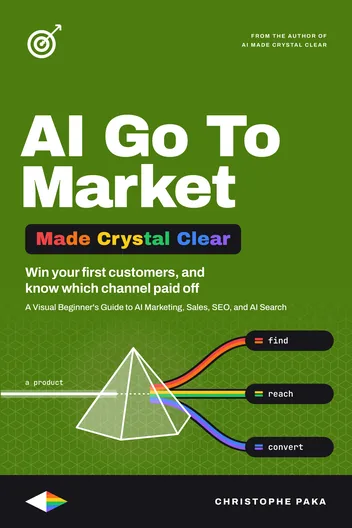
AI Go-To-Market
Available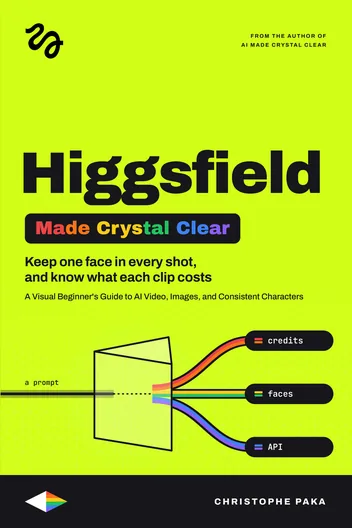
Higgsfield
Available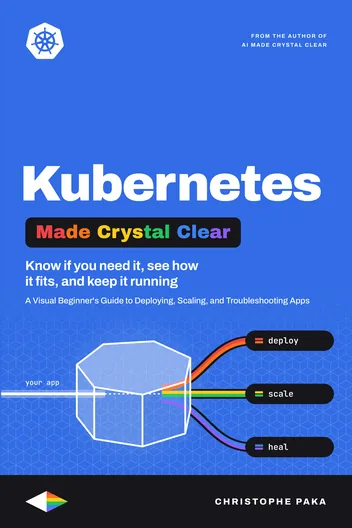
Kubernetes
Available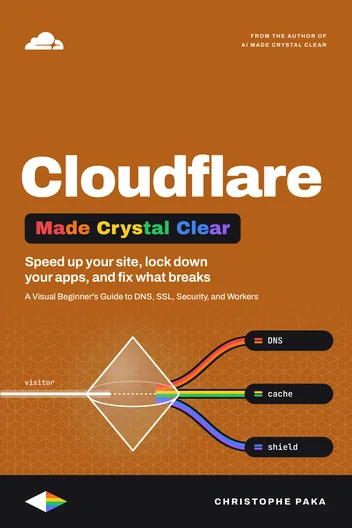
Cloudflare
Available
Jev
Available
Supabase
Available
AI Video
Available
Zernio
Available
Make.com
Available
Codex
Available
Hugging Face
Available
Modal
Available
Lovable
Available
Vapi
Available
n8n
Available
AI Agents
Available
Tech Hiring
Available
ElevenLabs
Available
AI
Available
Claude Code
Available
Git
Available
Kimi Code
Available
Hermes Agent
Available
GitHub
Available
Docker
Available
Qwen
Available
Llama
Available
DeepSeek
Available
OpenRouter
Available
GLM
Available
Gemini
Available
Mistral
Available
OpenClaw
Available
Grok Bot
Available
Vercel
Available
Fly.io
Available
Cursor
Available
The +1 Method
AvailableNew books, in your inbox
One short note when a new Made Crystal Clear guide ships.
No spam, unsubscribe anytime.